5 Best Paper Planners for People Who Hate Digital Apps in 2026
I spent three years chasing the perfect productivity app. I tried Todoist, Notion, TickTick, even a custom spreadsheet. Every Sunday, I’d set up my digital dashboard, and by Wednesday, I’d be drowning in notifications, staring at a screen that felt more like a slot machine than a planning tool. Last January, I threw my phone in a drawer for an hour and bought a cheap spiral notebook. That single decision changed how I think about time. In 2026, when every app is fighting for your attention with AI prompts and gamified streaks, paper planners are making a quiet comeback—not as a nostalgic hobby, but as a deliberate, mindful alternative. This isn’t about being retro; it’s about reclaiming control. Here are the five best paper planners for people who hate digital apps—tested by someone who used to swear by them.
What to Look for in a Paper Planner (When Digital Apps Fail You)
Before we dive into the list, it helps to know what actually matters in a paper planner—especially if you’re coming from a digital mindset. Digital apps are fast, searchable, and infinitely flexible. Paper is none of those things, and that’s the point. When you write by hand, you slow down, process the task, and remember it better. Studies from Princeton and UCLA have shown that handwritten notes lead to deeper comprehension than typing. But to make the switch stick, you need a planner that doesn’t fight you.
Layout That Matches Your Brain
Some people thrive on hourly breakdowns; others just need a simple weekly grid. If you’re a details person, a daily-page format like the Hobonichi gives you room to journal and to-do. If you’re a big-picture thinker, a weekly spread like the Leuchtturm1917 keeps your week visible at a glance. The wrong layout will feel like wearing shoes that are half a size too small—you’ll stop using it.
Paper Quality and Pen Compatibility
Nothing kills the analog joy faster than ink bleeding through the page. Look for 80gsm or higher paper, or specialty papers like Tomoe River (used in the Hobonichi). If you use fountain pens or gel pens, this is non-negotiable. I once ruined a planner with a cheap ballpoint that smudged on every page.
Portability and Durability
A planner that stays on your desk is useless. It needs to fit in your bag, survive being tossed around, and lay flat when open. Stitching and cover material matter more than you think. A softcover Leuchtturm will bend in a backpack; a hardcover Panda Planner will protect your pages.
The 5 Best Paper Planners for Digital-Haters in 2026
I tested each of these planners for at least four weeks, writing in them daily, carrying them everywhere, and resisting the urge to open a digital calendar. Here’s what I found.
1. Hobonichi Techo: The Cult-Favorite for Daily Detail
The Hobonichi Techo is a Japanese phenomenon. It uses ultra-thin Tomoe River paper (52gsm) that somehow handles fountain pens without bleeding, and it lays flat from the first page. The daily pages are dated, with a quote at the top and a blank grid below—perfect for bullet journaling, long-form journaling, or detailed task lists. I used one for three months last year, and the daily habit of writing three things I was grateful for and one priority became a non-negotiable ritual. Pros: Incredible paper, compact size (A6 fits in a jacket pocket), and a cult community with endless inspiration online. Cons: It’s expensive (around $35 for the planner plus a cover), and the tiny grid can feel cramped if you write large. Best for: Journalers, detail-obsessed planners, and anyone who wants a daily check-in ritual.
2. Panda Planner: The Science-Backed Productivity System
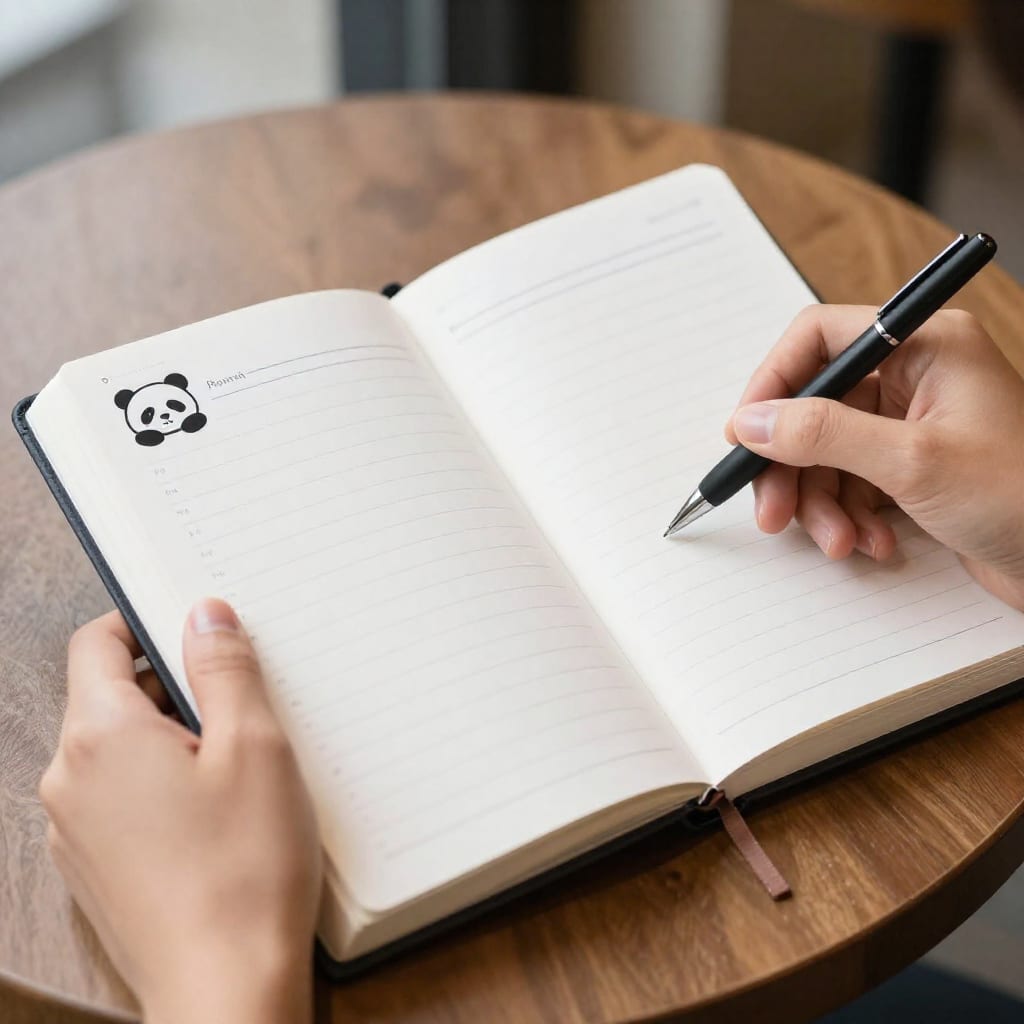
The Panda Planner is more than a notebook—it’s a system. It’s built around three pillars: gratitude, priorities, and reflection. Each daily spread has a space for your top three tasks, a gratitude entry, and a reflection on what went well. The weekly and monthly reviews force you to zoom out and adjust. I was skeptical of the “science-backed” claim, but after using it for six weeks, I noticed I was less anxious about my to-do list and more focused on what actually mattered. Pros: Structured without being rigid, includes a pen loop and bookmark, and the reflection prompts build a real habit. Cons: The layout is prescriptive—if you hate prompts, it’ll feel restrictive. Best for: People who want a proven productivity system but hate apps.
3. Leuchtturm1917 Weekly Planner: Minimalist and Durable
The Leuchtturm1917 is the gold standard for minimalists. It’s a hardcover notebook with numbered pages, a table of contents, and two ribbon bookmarks. The weekly spread shows the entire week on two pages, with a lined notes section on the right. I used this for a year during a chaotic project launch, and the simplicity saved me. I could see the whole week, jot down deadlines, and use the remaining pages for random notes. Pros: Durable, lays flat, and the numbered pages make indexing easy. Cons: No daily pages, so it’s not for detailed task lists. Best for: Professionals, students, and anyone who wants a clean, no-fuss weekly view.
4. Full Focus Planner: For Goal-Oriented Achievers
The Full Focus Planner, created by productivity coach Michael Hyatt, is a goal-setting machine. It’s organized by quarters, with space to define your top three goals for the quarter, break them into weekly milestones, and review progress every Friday. The daily pages focus on your “Big Three” tasks—the three things that must happen that day. I used it for a quarter-long freelance project, and the weekly review forced me to be honest about what wasn’t working. Pros: Excellent for quarterly goal setting, includes a built-in “task manager” system, and the reviews prevent drift. Cons: It’s bulky (hardcover, 200+ pages), and the structure can feel heavy if you’re a free-form thinker. Best for: Goal-oriented professionals and entrepreneurs who want to align daily actions with long-term objectives.
5. Moleskine Weekly Notebook: Simple, Classic, Affordable
The Moleskine Weekly Notebook is the no-regret entry point. It’s a classic softcover notebook with a weekly spread on the left and a lined page on the right. No frills, no prompts, no system. I bought my first one for $12 and used it for six months before upgrading. It’s small enough to slip into a coat pocket, and the paper handles ballpoint pens well (fountain pens bleed through, though). Pros: Affordable, widely available, and the simplest possible planner. Cons: Paper quality is average, and it doesn’t lay perfectly flat. Best for: Beginners, budget-conscious planners, or anyone who just needs a basic schedule view.
How to Make Your Paper Planner Stick (Even After App Withdrawal)
Switching from digital to paper can feel like withdrawal. Your brain is used to instant search, reminders, and sync. Here’s how I made it stick:
- Habit stack: Write in your planner right after your morning coffee or before brushing your teeth. Tie it to an existing habit.
- Minimal setup: Don’t buy a dozen colored pens and stickers upfront. Start with one black pen. The goal is to use it, not decorate it.
- Embrace imperfection: Your first week will have cross-outs and blank days. That’s fine. Paper is forgiving. I once spilled coffee on a page and just wrote “coffee incident” in the margin.
- Digital backup if needed: Snap a photo of your weekly spread on Sunday. It takes 10 seconds and gives you a searchable archive.
One counter-intuitive insight: don’t try to replicate your digital system on paper. You can’t. Paper is slower, and that’s the point. Use it for what it’s good at—priorities, reflection, and big-picture thinking. Leave reminders and deadlines to your calendar if you must.
Frequently Asked Questions About Paper Planners in 2026
Are paper planners really better than apps for productivity?
For many people, yes—writing by hand improves memory and focus, and eliminates digital distractions. It’s about finding what works for your brain. I’ve never once felt the urge to check my email while flipping a page.
Which paper planner is best for someone who has never used one before?
Start with the Moleskine Weekly Notebook or Panda Planner—they’re simple, forgiving, and don’t require a learning curve.
How do I keep my paper planner from feeling outdated or messy?
Use a minimalist layout, a consistent pen color, and erase mistakes with correction tape. It’s okay to have imperfect pages—it’s a tool, not an art project.
Can I still sync my paper planner with digital calendars?
Yes—snap a photo of your weekly spread for backup, or use a hybrid system like a digital calendar for appointments and paper for tasks and notes.
Do any paper planners have app companions for backup?
Yes—the Panda Planner and Full Focus Planner offer optional app syncs for scanning or reminders, but they’re not required to use the paper system.
Conclusion: Your Analog Future Starts Here
If you’re tired of apps that demand more than they give, try one of these planners for 30 days. The Hobonichi for daily depth, the Panda for structure, the Leuchtturm for simplicity, the Full Focus for goals, or the Moleskine to start cheap. The real reward isn’t perfect organization—it’s the quiet moment of writing down your day without a screen in between. Worth bookmarking this before you buy, because the right planner will stay with you for years. Your analog future starts with one page.